Original Context
Keep the original context close. Whether you are reviewing email OSINT results or planning OSINT username research, available profile links let you check names, biographies and dates on the pages where they appear.
OPEN-SOURCE INTELLIGENCE
Bring open source intelligence into your online investigations. Use our OSINT tools to explore linked accounts, public profiles and digital footprints, then follow your next lead. An email, phone number, username or name can shape your OSINT search.
Explore OSINT Solutions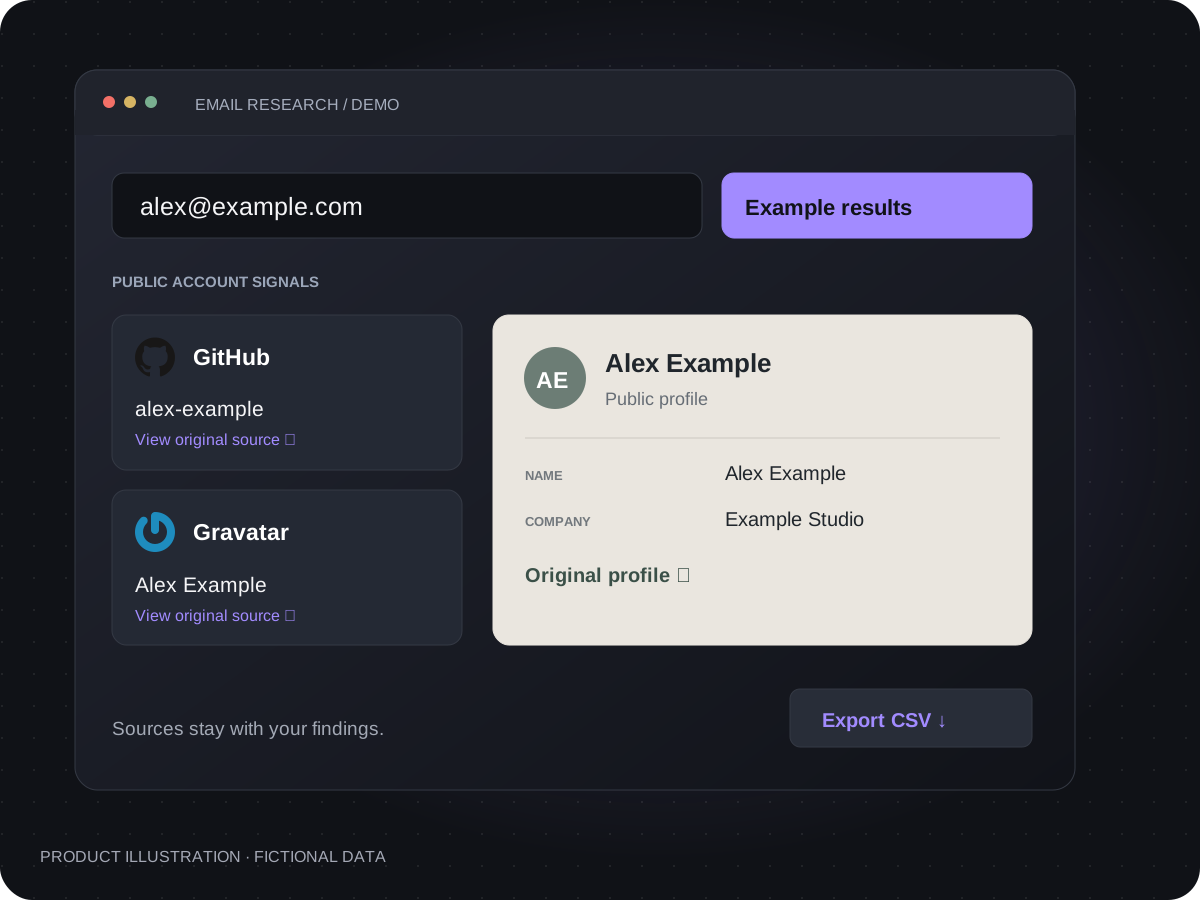
EVIDENCE YOU CAN FOLLOW
Make open source intelligence easier to review. Bring returned accounts and profile details together in one OSINT search, follow the source links and cross-reference the findings before deciding which connections deserve a closer look.
Keep the original context close. Whether you are reviewing email OSINT results or planning OSINT username research, available profile links let you check names, biographies and dates on the pages where they appear.
Your research deserves clear data handling. Our lookup provider processes queries, while records are saved to your account for result recovery and CSV exports.
Read our privacy policyExtend your OSINT search beyond a single profile. Compare returned account associations across supported services, then use names and handles to guide further OSINT username research.
Turn an OSINT mail lookup into a set of leads you can examine. Compare returned names, usernames and biographies with what you already know; consistent details can guide follow-up research, while discrepancies deserve a closer look.
Keep available links with the findings. Return to the original information to verify an association and support your OSINT reports with evidence you can revisit.
WHO / DIGITAL IDENTITIES
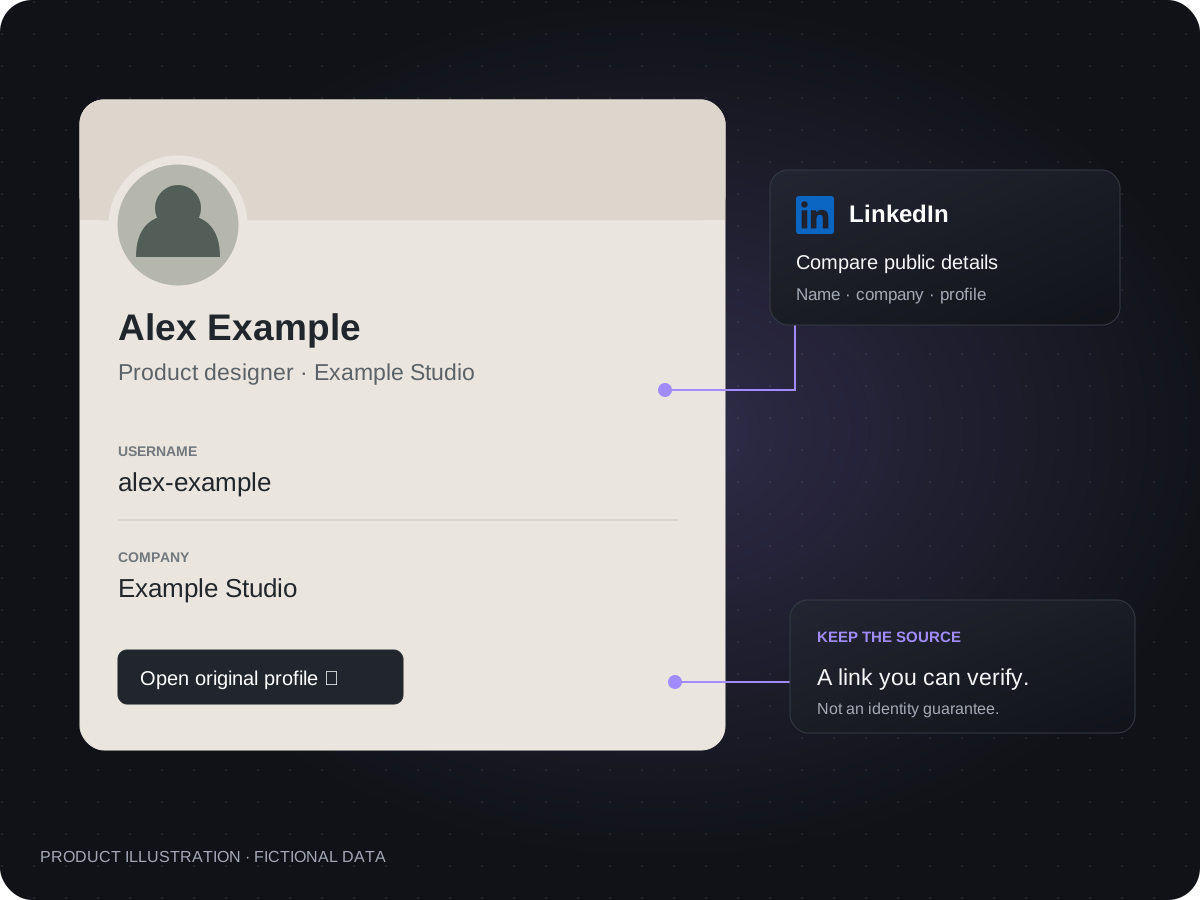
Build a clearer picture of the person behind the profiles. Combine reverse email lookup findings with OSINT username research, then compare names and biographies. OSINT phone lookup and OSINT name search methods offer other starting points when you have different identifiers.
WHERE / GEOGRAPHIC FOOTPRINTS
Give your digital footprint search geographic context. For TikTok OSINT or Instagram OSINT research, places mentioned in public biographies and posts can suggest a connection worth checking. Review the original pages and distinguish a mentioned place from a verified location.
Explore location details at the original source. Maps and live tracking are not available here.
Explore the source example →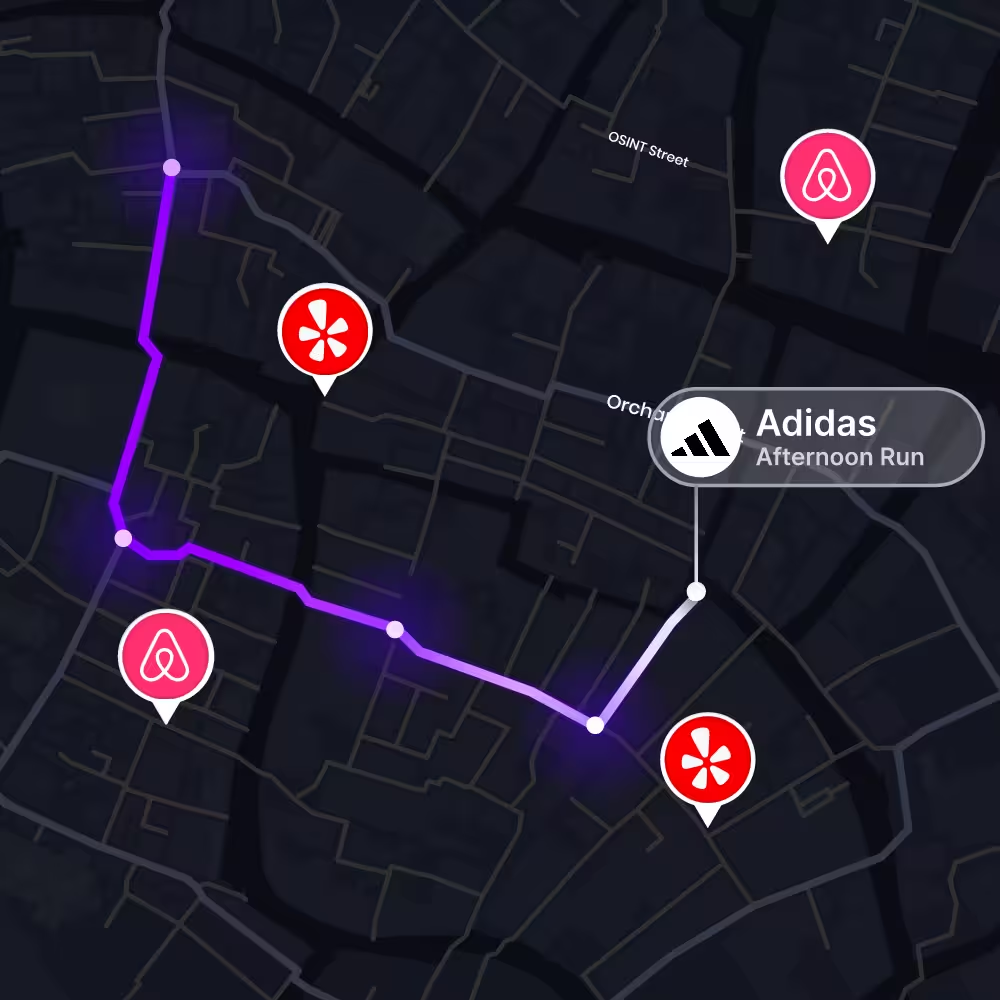
WHEN / DIGITAL MILESTONES
Put your OSINT search in chronological context. A dated LinkedIn update, GitHub contribution or public Telegram post may help explain an online event. Check dates at the original sources and record how each event relates to your research question.
Review dates at the original source. Automated activity timelines are not available here.
Explore the source example →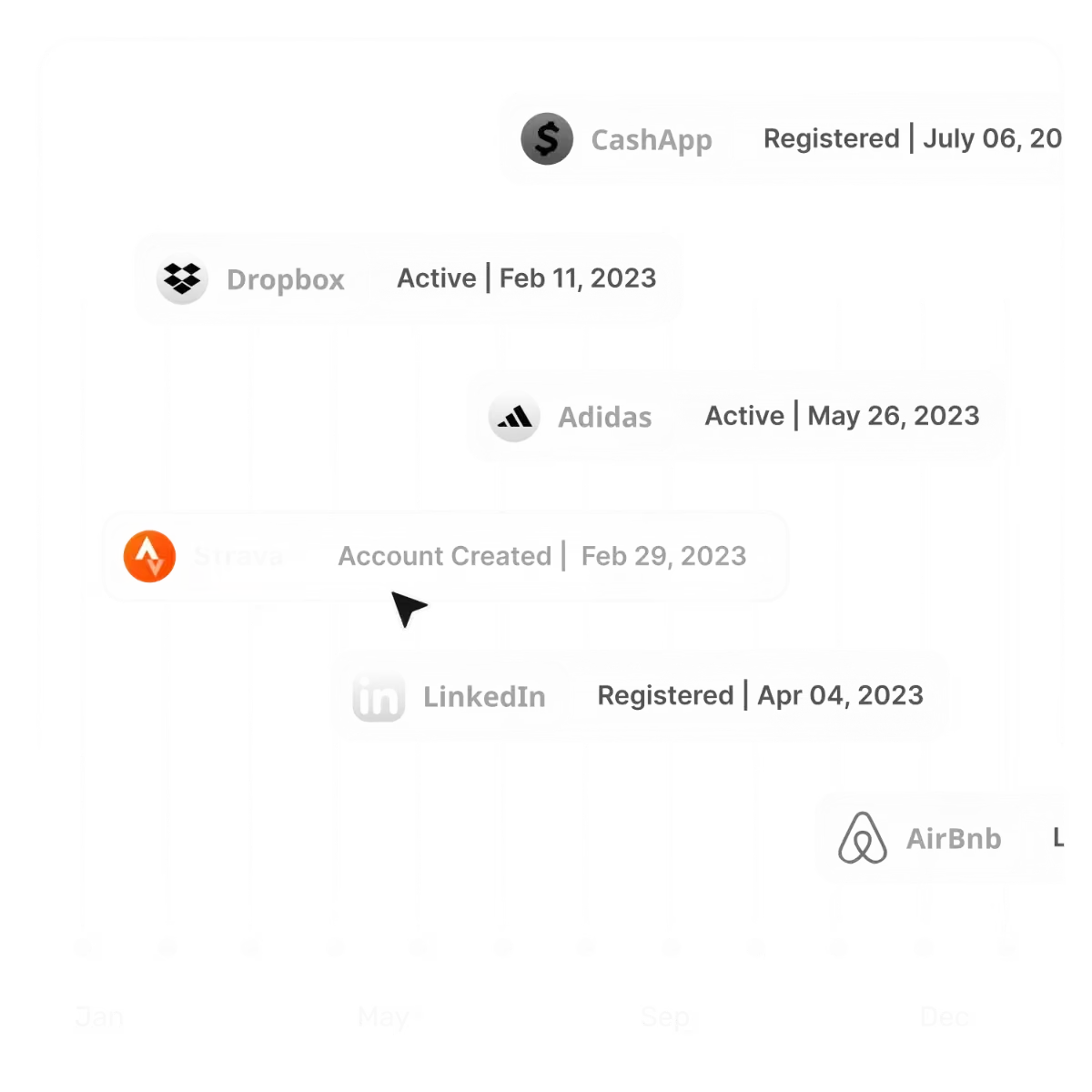
WALK THROUGH AN EXAMPLE
See how an OSINT mail lookup can turn an email lead into linked accounts, profile details and source links. This fictional example walks through the findings, the questions to ask and the records you can export.
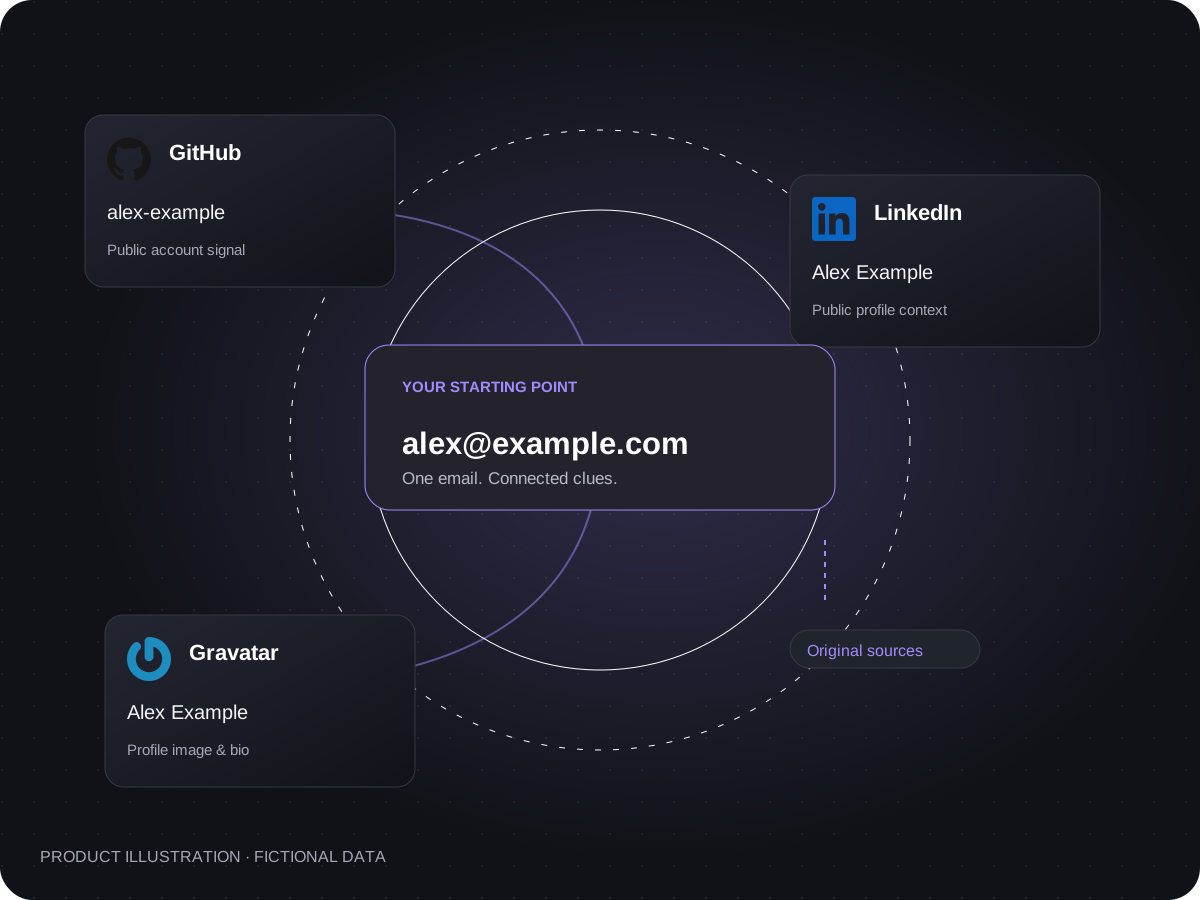
THE QUESTION
A match is a lead, not proof of identity. No match does not mean an address is safe or unused. Available fields vary by source.
REGISTERED ACCOUNTS
Use email OSINT to find accounts linked to an email across supported services. Bring returned platforms, usernames and profile links into one view. Continue your public profile search at the source, then use relevant handles for further OSINT username research.
BREACH EXPOSURE / YOUR NEXT CHECK
Understand the difference between an active profile and exposed information. For your own email, use a dedicated external breach-checking service to identify incidents requiring a security review alongside your OSINT findings.
Breach checks require a separate service. OSINT.cheap returns account associations, not breach records or passwords; an account match does not mean that account was compromised.
EXPORT / CSV RESEARCH REPORTS
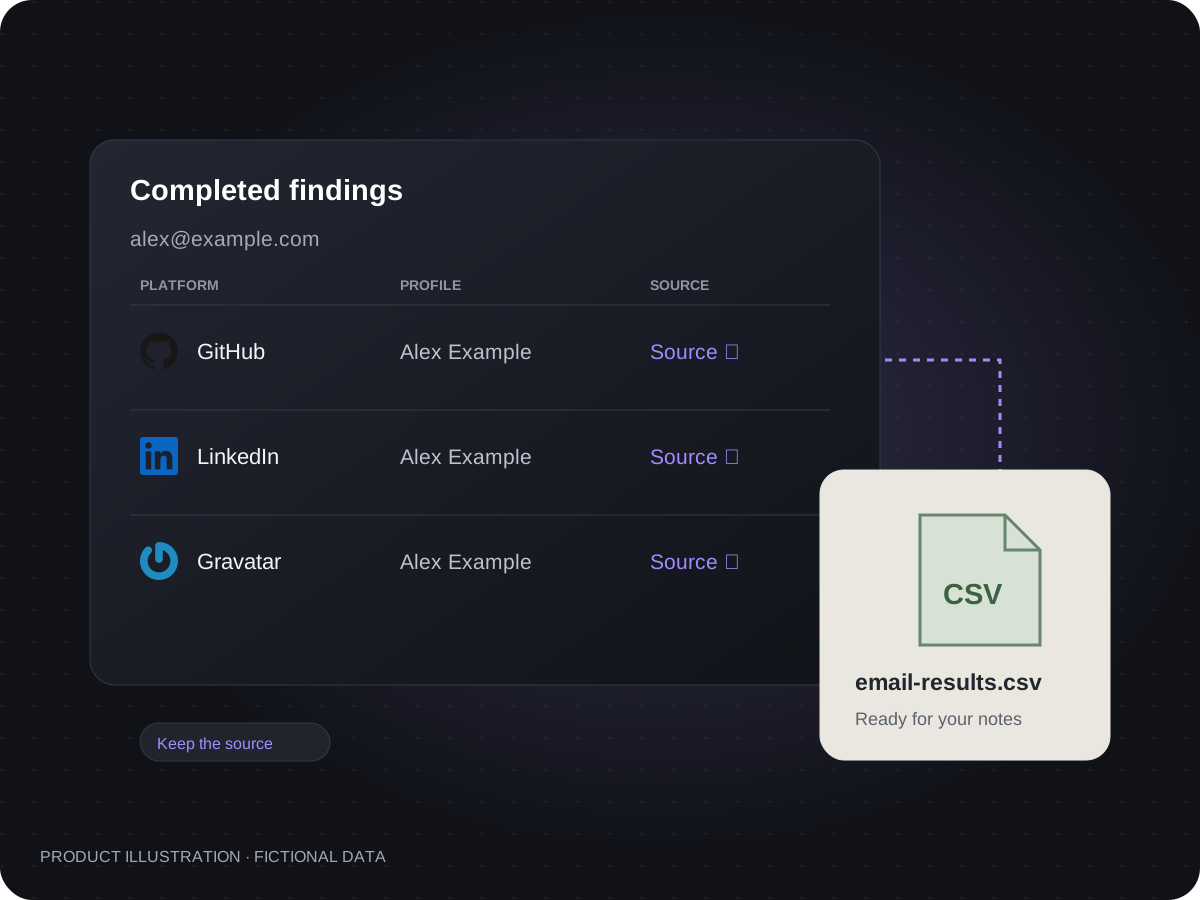
Turn your OSINT search into a useful research record. Export completed findings as CSV, keeping returned fields and source URLs together. Add your own analysis when preparing an OSINT investigation report for a case review, privacy audit or fact-checking assignment.
BEFORE YOU SEARCH
What does a match actually tell you? This example shows how to read account signals, compare profile details and follow source links before drawing a conclusion.
An email. Three kinds of context.
Example developer platform
Association returnedA source returned an account signal for the address. This is a lead, not proof that a particular person owns it.
Check the original profile before linking it to someone.
Alex Example · Product designer
Optional contextA public profile may include a name, username, biography or company. Missing fields stay missing; they are not filled with guesses.
Compare the details with information you already know.
Original profile link + CSV record
Keep the sourceReturned links help you revisit the evidence. A CSV keeps completed findings available for your own notes.
Record your interpretation separately from the source's statement.
This is a teaching example, not a live search or a promise of coverage. Fields appear only when returned by an available source.
OUR OSINT SOLUTIONS
Build an OSINT toolkit around your research question. Start with browser-based OSINT tools, review the evidence and keep a record of your findings. Choose the search allowance that fits your work, from occasional questions to regular investigations.
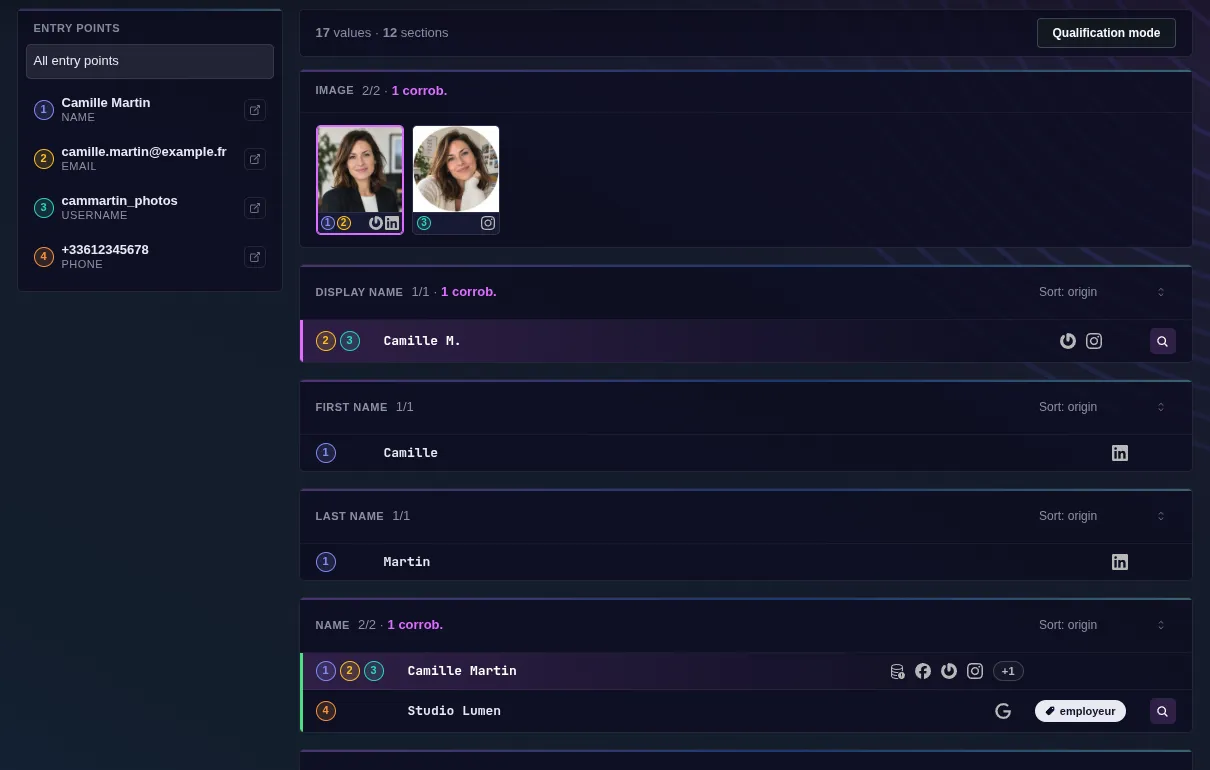
Bring email OSINT into a broader research process. Our browser-based OSINT tools gather returned account associations and profile details, with source links you can follow as you investigate related names, handles and public activity.
Start investigatingTake completed findings into your research process. Export linked profiles, available details and URLs as CSV for further analysis in your OSINT tools.
Explore the report exampleBegin with three free queries a day. Choose a paid plan for additional monthly lookups when you need to research more subjects or run OSINT investigations more regularly.
Compare search plansBUILD YOUR OSINT TOOLKIT
A useful OSINT toolkit combines resource discovery, account research and evidence review. The OSINT Reddit community can introduce new techniques; check those suggestions against original sources and choose tools that fit your investigation.
OSINT Framework organizes research resources, while SpiderFoot OSINT automates reconnaissance across multiple data sources. Use the directory to discover relevant tools and assess whether automation fits the scope of your open source intelligence work.
Sherlock OSINT searches for usernames across social networks. Pair that approach with source review for TikTok OSINT or other platform research: compare handles, biographies and profile links before treating separate accounts as the same person.
OSINT Industries and Behind the Email are separate hosted services to consider when choosing OSINT tools. Compare supported searches, returned information and pricing. With OSINT.cheap, review account findings in your browser and export completed results as CSV.
OSINT USE CASES BY SECTOR
Open source intelligence helps investigators develop leads, journalists check sources and researchers review digital footprints. From email OSINT to social media investigation, choose the evidence that answers your question and cross-reference it before drawing conclusions.
The questionWhich connections reveal more about this subject?
Use OSINT username research to compare handles, biographies and linked profiles. TikTok OSINT and Reddit OSINT can provide useful directions for social media investigation when the relevant information is publicly available.
Keep URLs and CSV findings with your case notes to guide follow-up OSINT research.
The questionWhat information supports this story?
Use open source intelligence for fact checking: compare a source’s public LinkedIn profile, published work and dated posts. Keep the original context when assessing whether an online claim is supported.
The OSINT Reddit community may suggest a research method or source. Treat those suggestions as leads, then independently corroborate the evidence before using it in reporting.
The questionWhat information is publicly discoverable?
Run a digital footprint review of your own or an authorized subject’s visible accounts. Email OSINT and public profile research can help identify information to revisit during a privacy audit.
Use the original services to review details and privacy settings. Check reported breach exposure through a separate service.
FROM A FIRST CLUE TO PUBLIC EVIDENCE
Start with what you know: an email, phone number, username or name. Define your research question and choose the relevant OSINT tools. The email lookup on this page provides one starting point for that investigation.
Review returned accounts and available details together. Cross-reference names, usernames and biographies against what you already know.
Follow available links to check the original information. Export completed results as CSV and keep the OSINT findings with your research notes.
STRAIGHTFORWARD PRICING
Daily free searches and paid plans with clear monthly allowances.
$0
For occasional public account signal reviews
$24 / month
For individual professionals running regular public-signal reviews
$49 / month
For small businesses with higher monthly lookup needs
Paid plans renew automatically. Manage or cancel your subscription from your account. Applicable taxes are shown at checkout.
Open-source intelligence is the process of collecting and evaluating publicly available information to answer a research question. An email, phone number, username, name or wallet address can be a starting point, depending on the tools and data sources available. Findings still need context and verification.
Yes. Sign in with Google for three free lookups per day. Daily free allowances reset at 00:00 UTC+8. Paid plans provide additional monthly lookup allowances.
Start with a reverse email lookup and review the account associations returned by supported sources. Where a public profile link is available, open it to compare the name, username and other details. Not every social network is covered, and a match does not prove who owns an account.
You can currently search by email address. Results may include names, usernames and public profile details when sources return them. Direct phone, username, name and crypto-wallet searches are not available on this site yet.
Each identifier opens a different research path. An email or phone number may lead to account associations; a username can help compare profiles across platforms; a name needs additional context to distinguish people with similar identities. A crypto wallet can be examined through public blockchain records. These are general OSINT methods, not a list of search modes currently available on this site.
No. Public-source research helps you gather and assess clues. It does not provide a certified background check, a complete personal history or a guarantee of identity. Verify important findings independently and use the sources in their original context.
Yes. Signed-in users can export completed results as CSV. Reports belong to the account that requested the lookup.
The email is sent to the lookup provider after your permission confirmation. Lookup records are saved to your account to support status recovery and exports. See the privacy policy for details.
No. An account association is not sender authentication or proof of identity. Open the source, compare the context and verify sensitive requests through a trusted channel.
Do not assume a lookup is anonymous or invisible. It sends the address to a third-party provider, and we do not guarantee how every source handles that request. Only submit addresses you are authorized to research.
No. Paid plans provide additional lookup allowance. Coverage and returned fields still depend on the address and available sources; payment does not guarantee a match.
Plans renew automatically until cancelled. Subscription management is available from your account when billing is enabled. A cancelled checkout is not a completed payment. Contact support about a charge or refund; this page does not promise automatic refunds for failed or empty lookups.
They serve different research tasks: a directory helps you discover resources, a username tool checks for matching handles, and reconnaissance software automates data collection. Choose the approach that fits your question, then check the original evidence behind each result.
Compare supported identifiers, the information returned, pricing and reporting options against your research needs. A similar search label does not guarantee identical coverage. OSINT.cheap provides browser-based account findings and CSV exports; these are separate services, not connected products.
The OSINT Reddit community shares tools and research techniques, but its advice needs checking. For TikTok OSINT or research on Instagram, LinkedIn, GitHub and Telegram, review public information at its original source and confirm that a suggested method still works.
OSINT mail research usually refers to investigating an email address and its public connections. Email OSINT can include reverse email lookup, associated-account checks and source review. It does not mean reading private messages, and an account match alone does not verify someone’s identity.
Explore the accounts, profiles and connections behind your research question. Sign in with Google to start your OSINT search with three free daily queries.
Start researching